Save all the places you've been and want to go.
Every restaurant you've visited, every one you want to try, in lists you keep your way. Private until you share. No leaderboards. No games.
 For iPhone, iPad and Mac. The whole log is free.
 Places
Every place you care about, in one book.
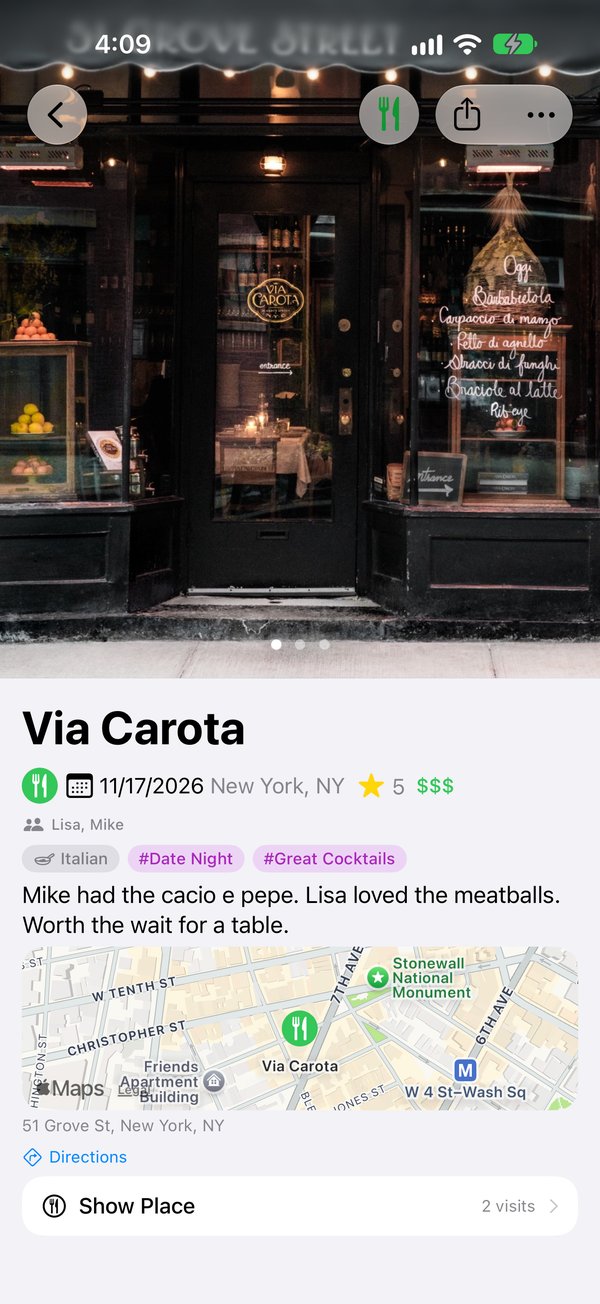
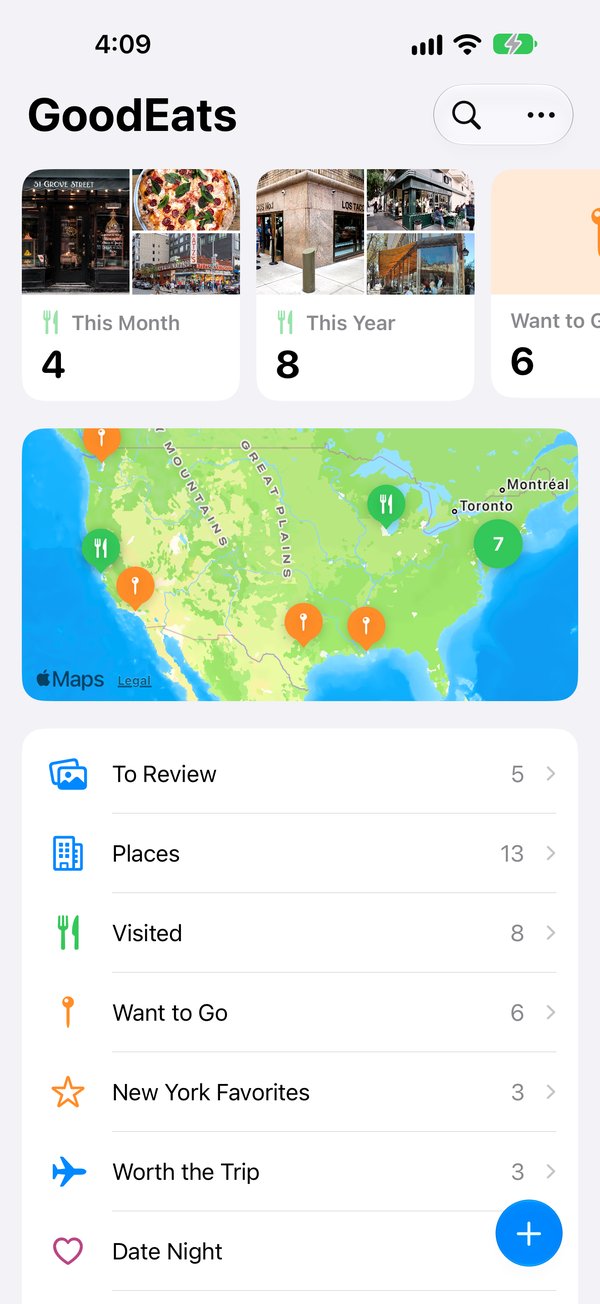
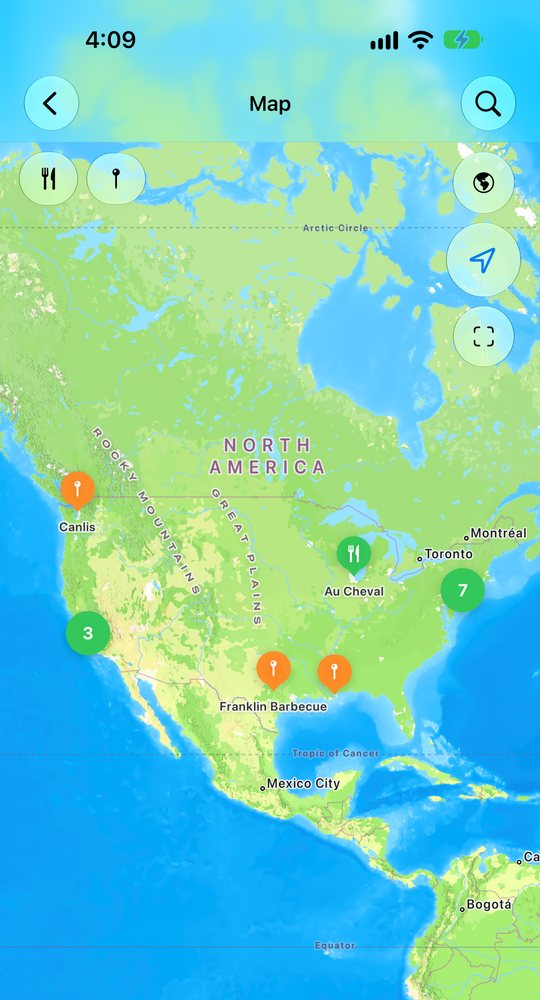
- One list and one map of everywhere you've been and everywhere you want to go.
- Your own stars, from one to five, with your notes, photos and who you were with.
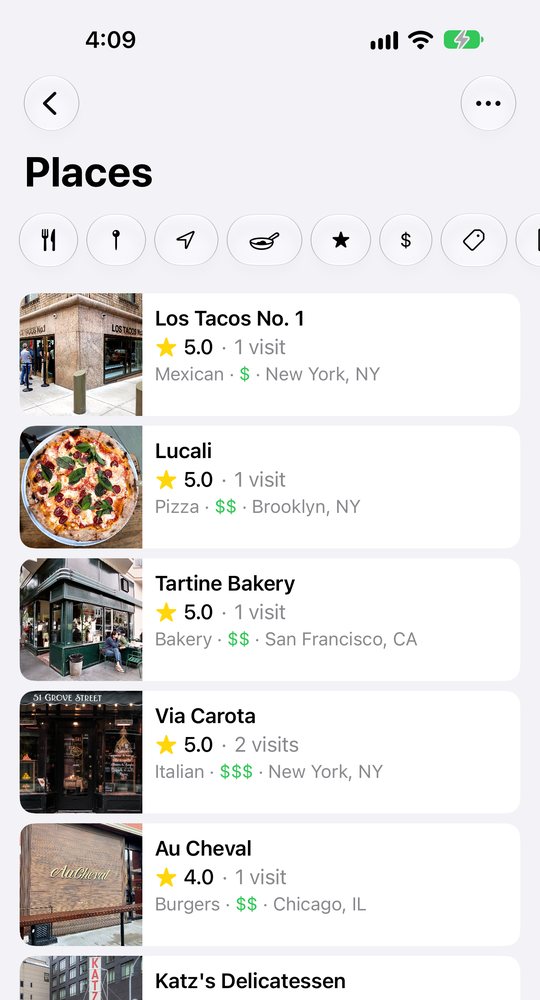
- Search and filter by city, cuisine, price, rating or person.
 Visited
Remember where you've been.
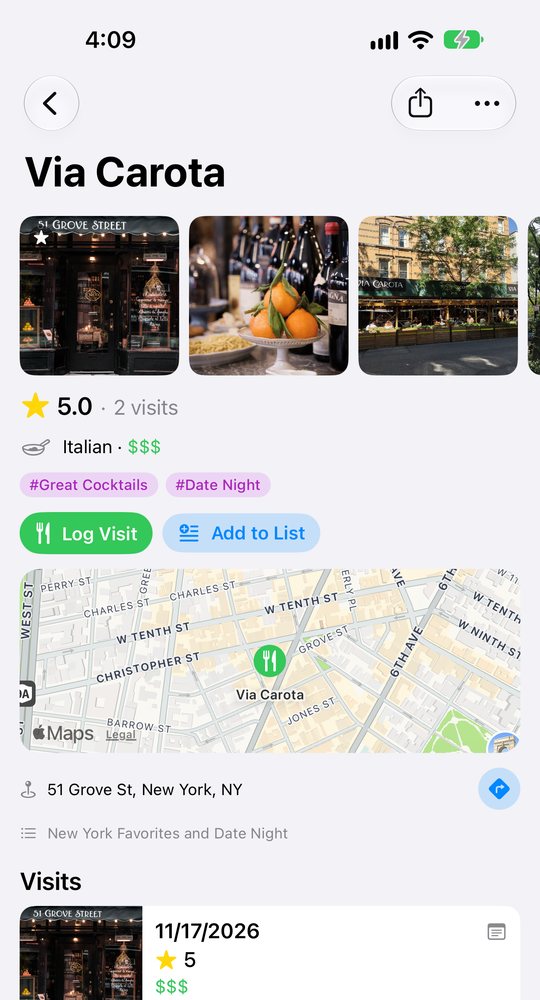
- Log a visit in seconds: the day, your stars, a note, photos, who was there.
- Every visit to a place is kept, so you can see what you thought last time.
- Add who you were with, and find every meal you've shared with them.
 Want to Go
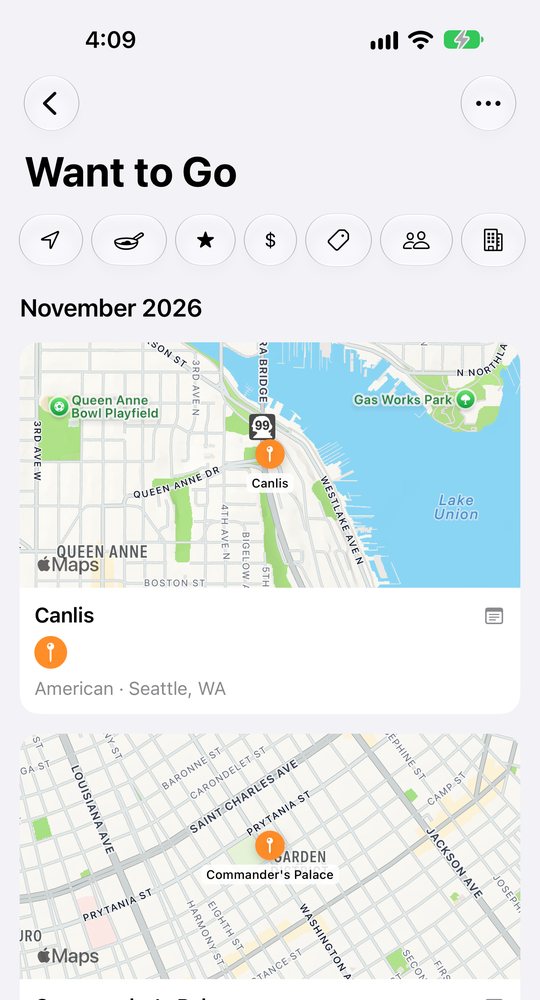
Save it the moment you see it.
- Share a post from Instagram, TikTok, Yelp, Google Maps or Apple Maps straight to GoodEats.
- A post that lists several places can save them all, or become a list of its own.
- When you finally go, log the visit and it moves to Visited.
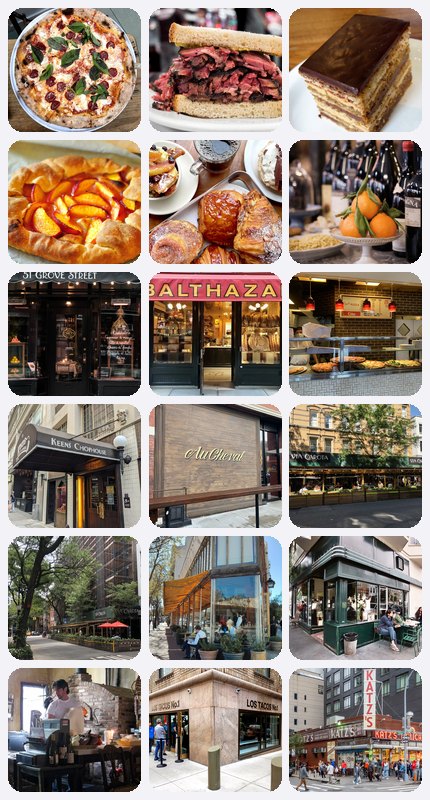
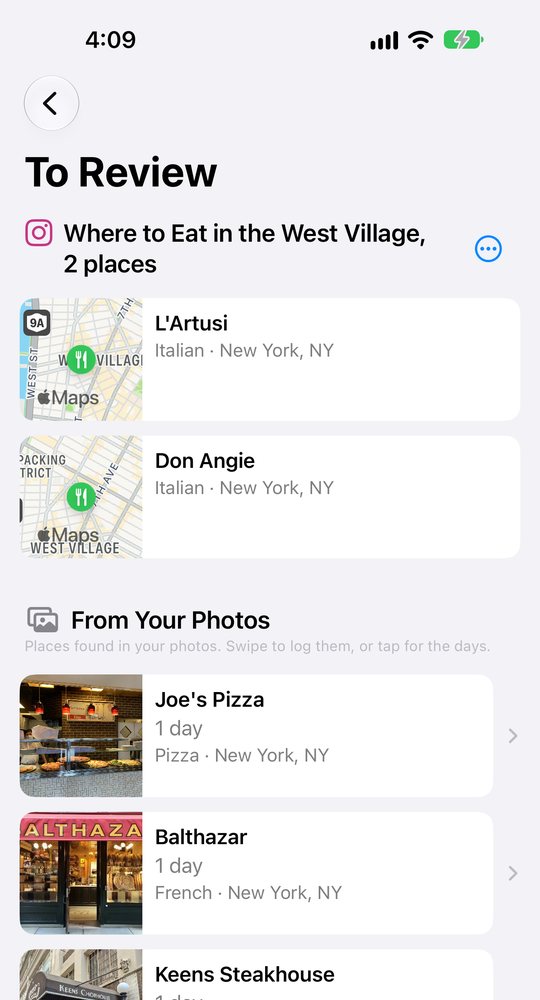
Find the places already in your photos.
- GoodEats can look through your photo library for restaurants you've already been to and lists them in To Review.
- Swipe right to log the visit. Swipe left to save it as a Want to Go or skip it.
- It reads only where and when a photo was taken, on your phone. To name the restaurant it looks up that location and nothing else: no photos, dates or names leave your phone.
Tag places your way.
- Make your own tags: Date Night, Great Cocktails, Family Friendly, Outdoor Seating.
- A tag belongs to the place, so every visit there carries it.
- Filter any list by tag, and by cuisine, city, price, rating or who you were with.
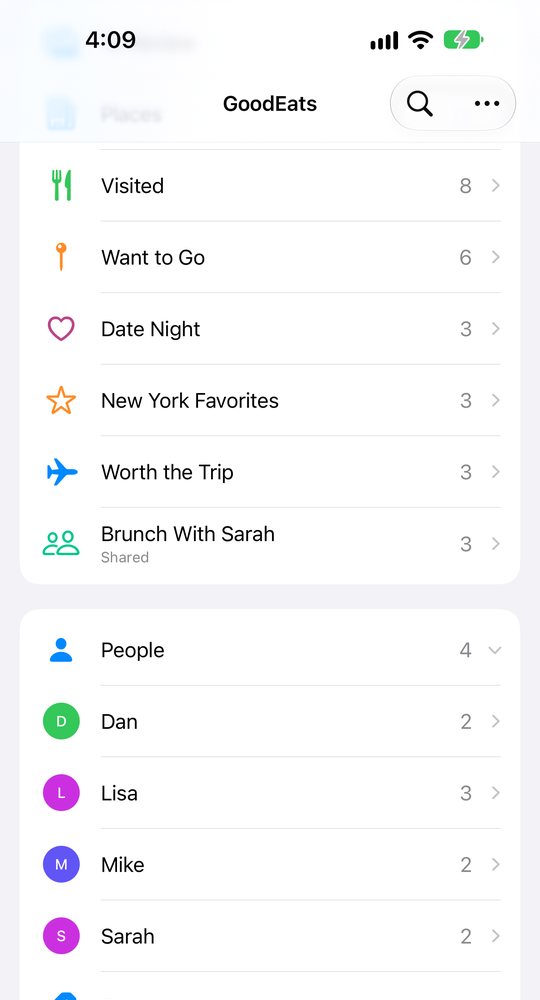
Lists you keep your way.
Make a list for anything: date nights, a trip, the tacos worth the drive. Give each one its own icon and color, and put a place on as many lists as you like.
🍷 Date Night · 12🌮 Austin Tacos · 18✈️ Tokyo in April · 23🍕 With the Kids · 9☕ Coffee Worth the Drive · 6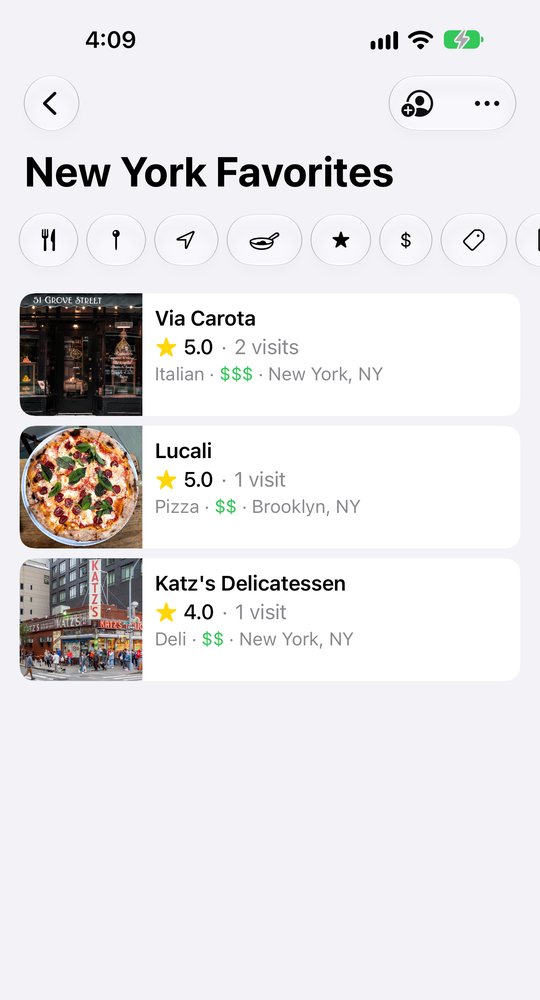
Share a list with a link.
- Send a list to one person with their own link, or let anyone with the link read it.
- They can open it on the web with no account, and copy places to their own Want to Go.
- You decide what each person sees: your ratings, your notes, your photos, your visits.
- Keep a list together: invite someone to add places under their own name.
Private unless you share!
Your log is yours
No public profiles, no followers, no feed of what other people ate. Nobody sees a thing unless you share a list.
No leaderboards. No games.
No rankings, no streaks, no scores. A rating is your own one to five stars and nothing else.
No ads
Nothing in your log is sold to you or about you.
Take it with you
Export everything, free, any time: a spreadsheet, a complete data file and your photos.
The whole log is free. One subscription adds the rest.
Free
The whole log, for good.
- Visited and Want to Go Places
- Ratings, notes, photos and people
- The map, search and filters
- Saving from Instagram, TikTok, Yelp and Maps
- Places found in your photos
- Export of everything you've saved
GoodEats Subscription
$2.99 a month or $19.99 a year.
- Server Sync & Backup (Sign in with Apple)
- Use across iPhone, iPad and Mac
- Your own custom lists
- Sharing lists with a unique settings
- Family Sharing included
Start your book of places.